Loading... Please wait...


FURTHER INFO
- Top 100 on US iTunes Store
-
How to
- How to use apple news app in ios 9 outside us
- How to use Zenmate VPN to watch Hulu Plus outside US
- How to watch Netflix HBO offline
- How to set up iTunes Match on iPhone, iPad, or iPod touch
- How to open US iTunes account without US credit card
- How to redeem iTunes gift card
- How to watch US Netflix from outside US
-
Worldwide
- US Carta iTunes in Italia
- US iTunes Gift Card in China
- US iTunes Gift Card in Denmark
- US iTunes Gift Card in India
- US iTunes Gift Card in Japan
- US iTunes Gift Card in Malaysia
- US iTunes Gift Card in Russia
- US iTunes Gift Card in Switzerland
- US iTunes Gift Card in Thailand
- US iTunes Gift Card in Egypt
- US iTunes Gift Card in Israel
- US iTunes Gift Card in Saudi Arabia
- US iTunes Gift Card in Brunei
- US iTunes Gift Card in UAE
- US iTunes Gift Card in Qatar
- US iTunes gift card in Turkey
- US iTunes Gift Card in Yemen
- US iTunes in Poland
- Cartoes apple itunes gift card email
- Codigos Tarjetas iTunes
- Cartes iTunes par email US Apple Store
- US iTunes Geschenkkarte
-
FAQs
-
Privacy Policy
-
About Us
-
Contact Us
-
Blog
-
RSS Syndication
How to watch US Netflix from outside US
Step 1: Download Google Chrome, setup it and then come back to Uscardcode.com in Chrome.
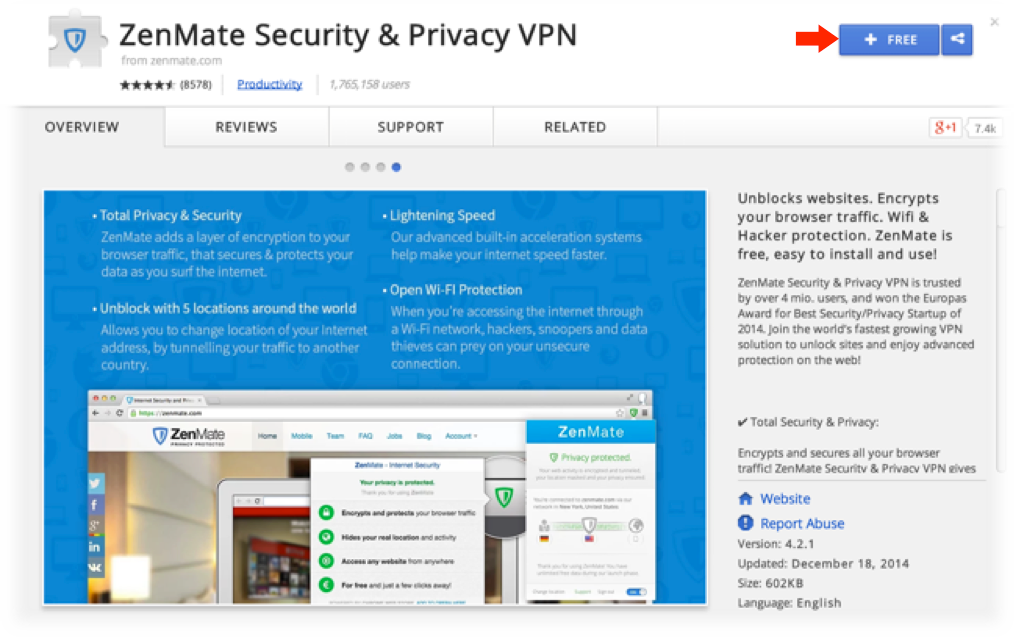
Step 2: Download the ZenMate Chrome Extension from here by clicking the free button.
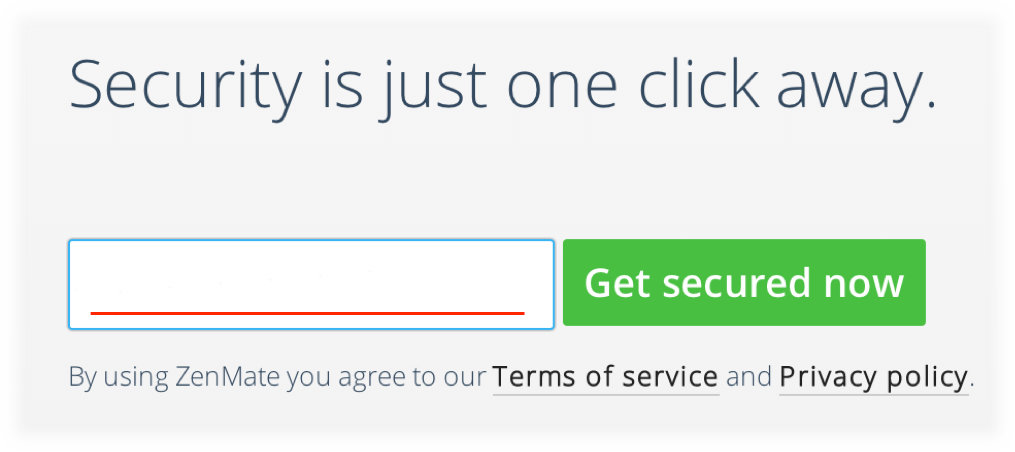
Step 3: enter your E-Mail in the new window that opened up.
Step 4: Click the shield icon next to Google Chrome’s Search Bar as seen here:
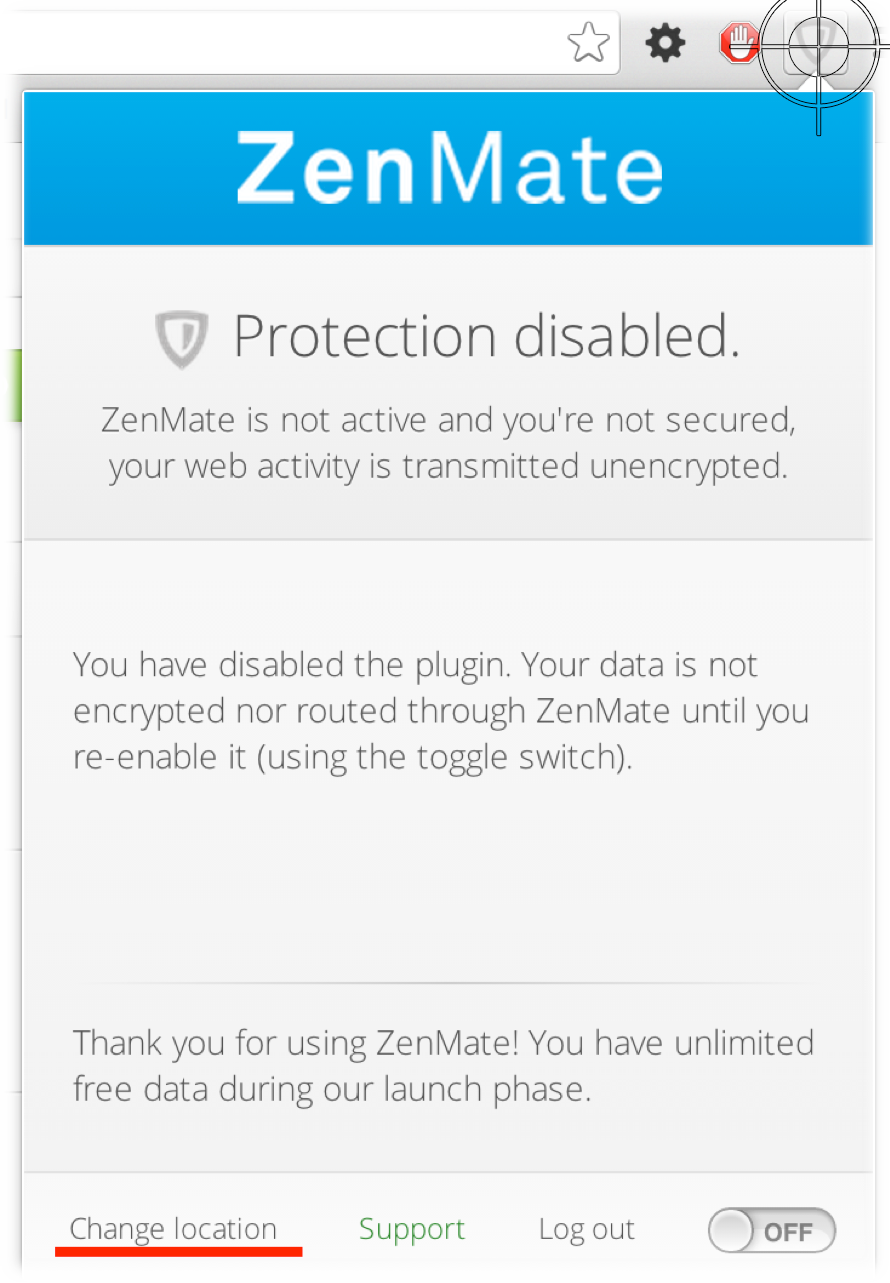
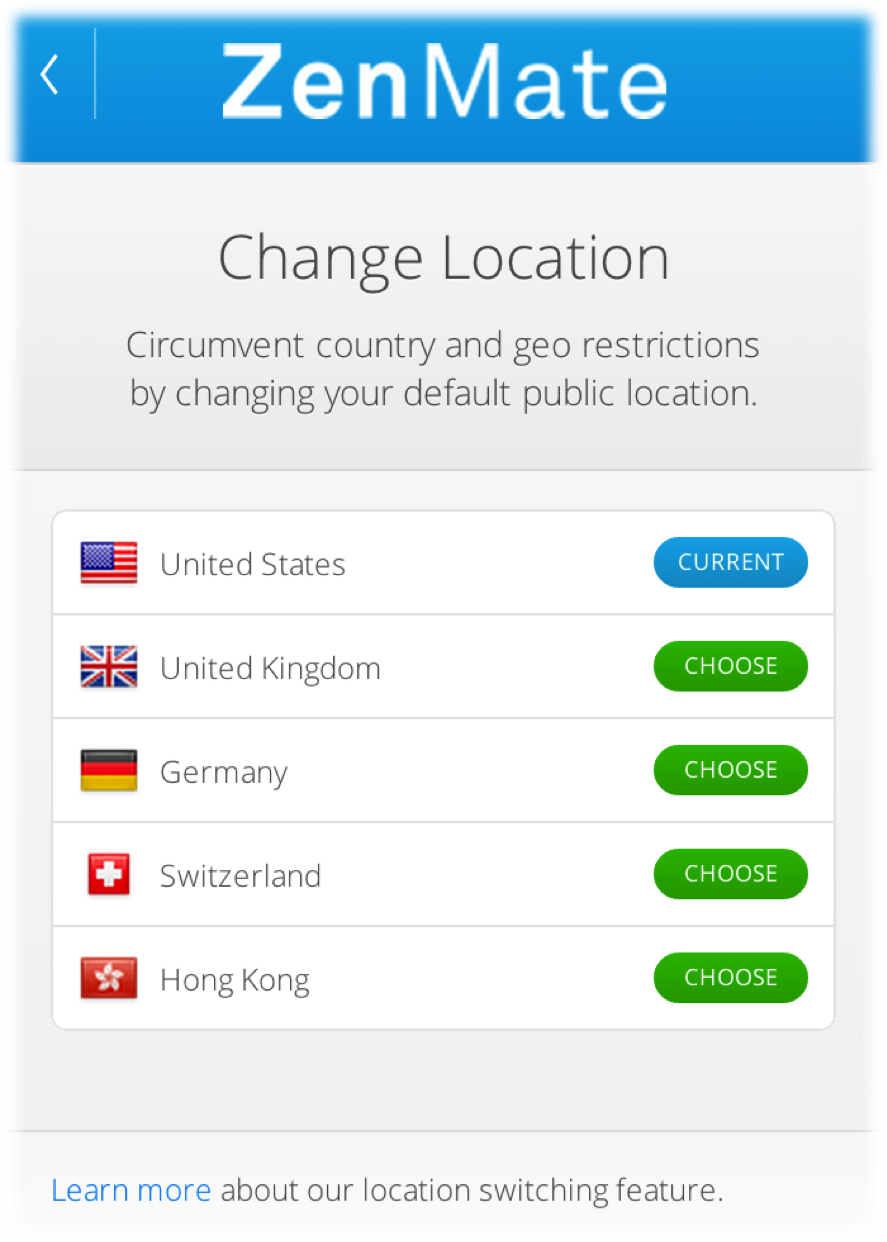
Next, Click the Change location button at the bottom left, and select the United States
Step 5: Last step! Simply make sure you have the switch at the bottom right turned on, as seen here.
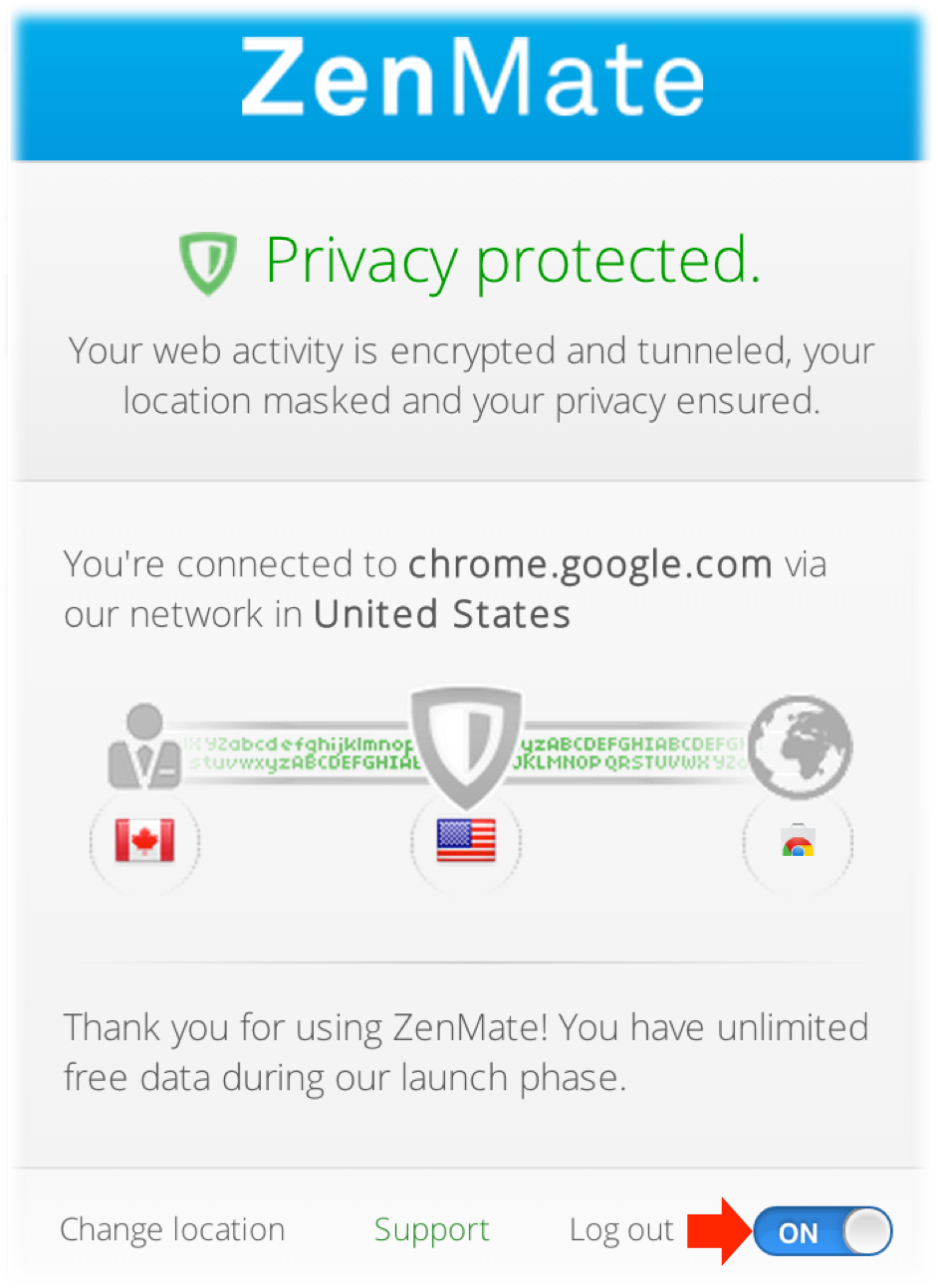
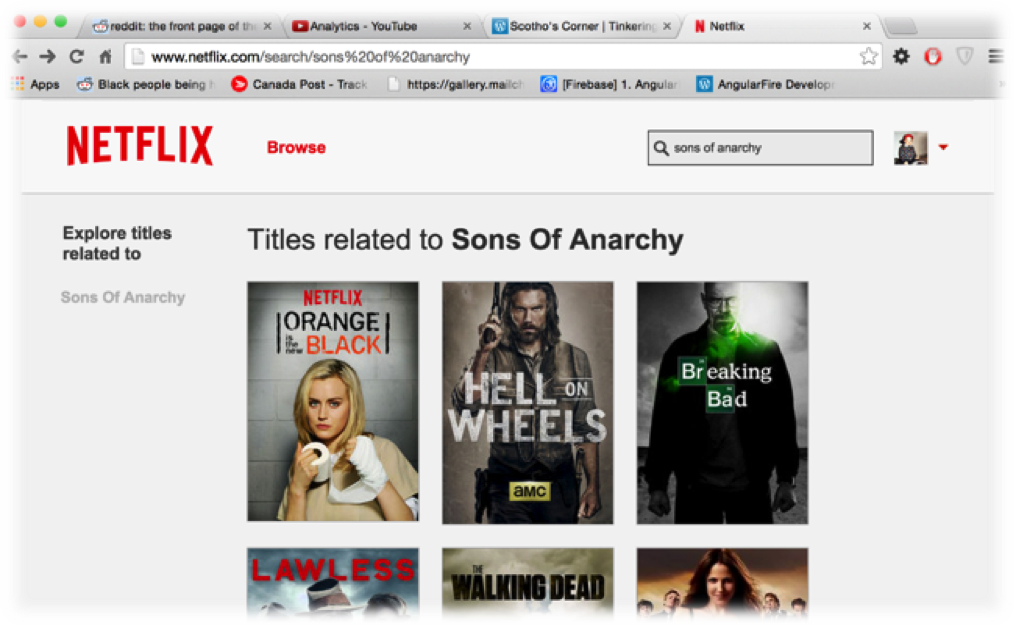
Is is done! You’ll now enjoin that TV Shows/Movies that weren’t available before…
IMPORTANT: Make sure you click “Off” when you’re done. Leaving ZenMate on will slow your connection (and others using zenmate) down.